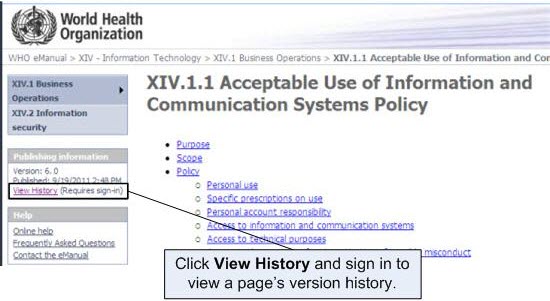
The WHO eManual tracks the version history of each policy as it is revised and republished. This feature allows you to view past versions of a policy to see how it has evolved over time.
Open the policy page you want to view.For more information on how to open a policy page, see "View a policy page".
Click View History in the Publishing Information box.Note: If you are prompted to sign in, sign in using your WIMS user name and password. For more information on signing in, see "Accessing the WHO eManual".The Version page appears.