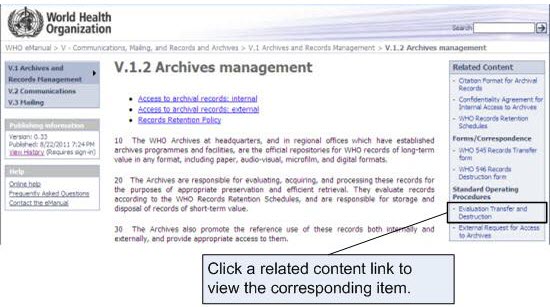
Related content such as standard operating procedures or other supporting documentation is available in the Related Content column on many WHO eManual section and policy pages.
Open a policy page containing related content.For more information on how to open a policy page, see "View a policy page".
Click the link in the Related Content column to open the item you want to view.The default application for the type of file you have selected launches and opens the item.Note: You will be prompted to sign in when you open a Microsoft Office file, such as a Word document or Excel spreadsheet. See Accessing the WHO eManual for more information on signing in.